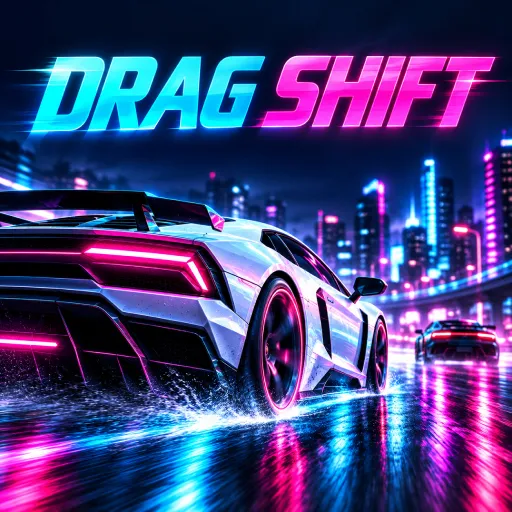
 Drag Shift: Street Race - Neon Drag Racing Championship53 plays
Drag Shift: Street Race - Neon Drag Racing Championship
Every win earns cash to tune your machine. Upgrade 25 cars across 5 deep performance paths — engine, tires, turbo, nitro, and drivetrain — to shave precious milliseconds off your elapsed time. Chase your own ghost on every run to perfect your line and push your ET lower with each attempt.
The controls are easy to learn but hard to master. On desktop, hold W or Up to rev the engine and keep the needle in the green zone before the lights go green, tap Space when the shift indicator glows green for perfect shifts that boost torque, and hit N from second gear up for a nitro blast. On mobile, on-screen touch buttons for gas, shift, and NOS make the action just as smooth on iOS and Android.
If you love racing games, car games, and street racing showdowns with deep car customization, Drag Shift: Street Race is a must-play free online game. No downloads, no installs — just pure browser drag racing. How low can your ET go?
How to play
Drag Shift: Street Race is a precision timing drag racer. Victory is decided at the starting line, in the gear changes, and on the NOS button.
LAUNCH:
Hold the gas to rev your engine before the race starts. Keep the needle in the green zone until the lights turn green for a perfect launch.
SHIFT:
Tap shift when the indicator glows green. Perfect shifts give faster acceleration and a torque boost. Shift too early or too late and you lose precious time.
NOS:
Fire the nitro from 2nd gear up. Higher gears get a bigger boost, so save it for the moments that matter most.
DESKTOP CONTROLS:
- Gas: hold W or Up Arrow
- Shift up: press Space
- NOS: press N
MOBILE CONTROLS:
- Use the on-screen GAS, SHIFT UP, and NOS touch buttons on iOS and Android.
TIPS:
- Win races to earn cash, then upgrade your car to beat tougher rival crew drivers.
- Race your own ghost to beat your personal best ET.
Ratings
Comments
Log in or create a free account to write a comment.
No comments yet. Be the first!
FAQ
How do you launch in Drag Shift: Street Race?
Hold the gas to rev your engine before the race starts and keep the needle in the green zone until the lights turn green for a perfect launch.
How do gear shifts work in Drag Shift: Street Race?
Tap shift when the indicator glows green. Perfect shifts give faster acceleration and a torque boost, while shifting too early or too late loses precious time.
When should I use NOS in Drag Shift: Street Race?
Fire the nitro from 2nd gear up. Higher gears get a bigger boost, so save it for the moments that matter most.
How do I upgrade my car in Drag Shift: Street Race?
Win races to earn cash, then upgrade 25 cars across 5 performance paths: engine, tires, turbo, nitro, and drivetrain, to beat tougher rival crew drivers.
What are the controls in Drag Shift: Street Race?
On desktop hold W or Up Arrow for gas, press Space to shift up, and press N for NOS. On mobile use the on-screen GAS, SHIFT UP, and NOS buttons.
Is Drag Shift: Street Race - Neon Drag Racing Championship free to play?
Yes. Drag Shift: Street Race - Neon Drag Racing Championship is free and runs right in your browser on GameFunLife — no download or sign-up needed.
Can I play Drag Shift: Street Race - Neon Drag Racing Championship on my phone?
Yes, it works on phones and tablets as well as computers.