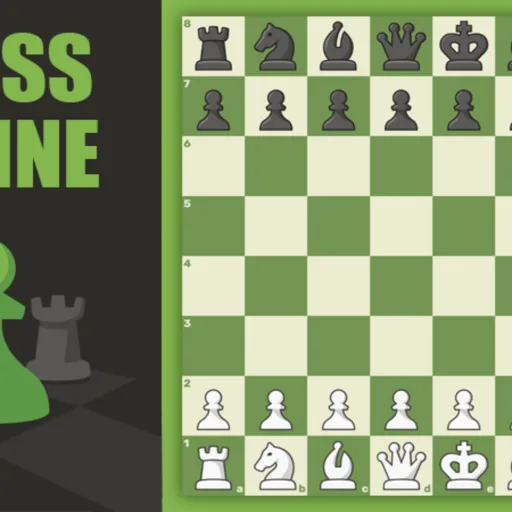
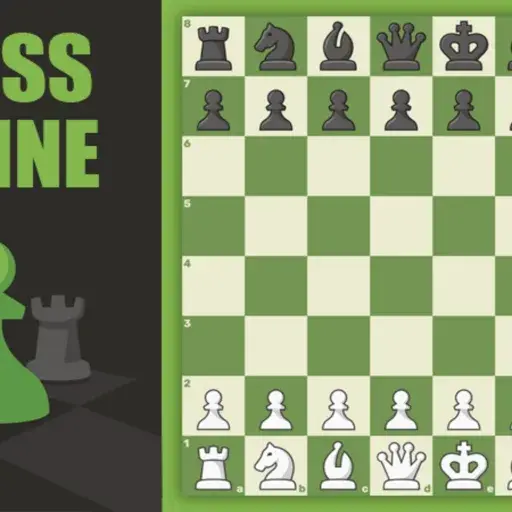
 Chess Online Playing
by MIKMOK · 0 plays
Chess Online Playing
MIKMOKBoard Games · Free · Plays in your browser
—0 ratings
0Plays
YesWorks on phone
LandscapeScreen
https://playgama.com/export/game/chess-online-playing?clid=p_afd2f33b-473b-4bfe-b212-72f2d0f647af
Chess Online Playing is a free online chess game that gives you three ways to play: against real opponents from around the world, against the computer, or with a friend. You can set up a private room for an online match or share one phone and pass it back and forth after each move.
The computer opponent has difficulty levels that run from beginner up to master, so you can practise at your own pace and work your way up as you improve. Online games raise or lower your rating as you win or lose, which gives you a clear record of how you are doing.
You can also change how the game looks, picking different piece shapes and board styles from the Themes section. There is nothing to download, and you can start a game in a couple of clicks. It is a good fit for new players learning the game and for regular players who want a quick match.
How to play
Click Play in the main menu and pick a mode: online, against the computer, or with a friend. To move, click one of your pieces and then click the square you want it to go to. Win by checkmating the other king or by having more time left when the clock runs out. Open Themes to change the look of the pieces and the board.
Ratings
Comments
Log in or create a free account to write a comment.
No comments yet. Be the first!
FAQ
How do you play Chess Online Playing?
Click Play, choose a mode, then click a piece and the square you want to move it to.
Can I play chess against the computer?
Yes, you can train against the AI with difficulty levels from beginner to master.
Can I play chess with a friend?
Yes, create a private room for an online match or play on the same phone, passing the move to each other.
How do you win a game?
Checkmate your opponent's king, or win on time if your opponent runs out of clock.
Can I change the board and pieces?
Yes, open the Themes section and pick different shapes for the pieces and styles for the board.